How to Buy Gift Cards with Bitcoin (BTC)?
Last updated: May 21, 2026 8 min read
Viktorija Dvariskyte
Bitcoin is the original cryptocurrency and still the most recognized digital asset in the world. It’s also one of the most widely accepted coins for gift card purchases – virtually every crypto gift card platform supports BTC, giving you access to hundreds of brands across retail, gaming, entertainment, travel, and more. If you’re holding Bitcoin and want to turn it into everyday spending power, gift cards are one of the most direct routes available.
This guide covers every method for buying gift cards with Bitcoin, which platforms to use, what the process looks like, and what to watch out for before you send.
Why Buy Gift Cards with Bitcoin?
For Bitcoin holders, gift cards solve a practical problem that hasn’t gone away: most retailers still don’t accept BTC directly at checkout. Gift cards bridge that gap, letting you spend at the brands you already use without converting to fiat, waiting for bank transfers, or dealing with exchange withdrawal limits.
A few specific reasons BTC works well for this:
Universal platform acceptance. Bitcoin is supported on every major crypto gift card platform without exception. If a platform accepts crypto, it accepts Bitcoin. You’ll never hit a wall where your chosen platform doesn’t support it.
Spend without selling through an exchange. Buying a gift card with BTC lets you access its value directly – no sell order, no fiat conversion, no waiting for funds to clear into a bank account.
No card or bank account required. A Bitcoin wallet and an email address are all you need to buy gift cards from hundreds of major global brands.
Trusted and battle-tested. Bitcoin has been running continuously since 2009. Its network is the most secure and most scrutinized in crypto. For users who’ve held BTC for years and trust the network, spending it directly feels natural.
Global reach. Bitcoin works the same way regardless of what country you’re in. For holders outside major financial markets, BTC-to-gift-card is often the most accessible path to international brand products.
What to Know Before You Buy
Bitcoin fees can be significant. On-chain Bitcoin transaction fees fluctuate based on network demand. During busy periods, fees can run anywhere from a few dollars to $20 or more. For a $10 or $25 gift card, that’s a meaningful addition to your cost. Check current mempool conditions before sending – tools like mempool.space show real-time fee estimates. For small purchases, consider using Lightning Network or a different coin with lower fees.
Confirmation times vary. Bitcoin mines a new block approximately every 10 minutes. Most platforms release your gift card after one confirmation, meaning you’re looking at a minimum wait of around 10 minutes – potentially longer if network congestion delays your transaction from being included in a block. If you set a higher fee, your transaction gets prioritized and confirmed faster.
The payment window is time-limited. Most platforms hold the BTC rate for 15 to 30 minutes after order creation. Send within that window. If you miss it, the order may expire and refresh at the current rate. With other assets this is less critical, but Bitcoin’s price volatility makes the window more relevant.
Transactions are irreversible. Bitcoin transactions cannot be undone once broadcast to the network. Double-check the brand, denomination, and regional validity of your gift card before sending.
Region matters. Gift cards are often region-locked. An Amazon US card won’t work on Amazon Germany. Always confirm the card is valid in your country before completing the purchase.
Tips for a Smooth Purchase
Use Lightning for small purchases. For gift cards under $50, Lightning Network eliminates the fee concern entirely and delivers your card in seconds. If your wallet supports it and the platform accepts it, Lightning is the better choice over on-chain BTC for smaller amounts.
Check fees before sending on-chain. Visit mempool.space before initiating a payment to see current fee rates. If fees are unusually high, waiting a few hours – especially overnight or over the weekend when activity tends to drop – can save you money.
Set an appropriate fee. When sending from a wallet that lets you choose your fee rate, set it high enough to get confirmed within a reasonable time. Most wallets offer low, medium, and high fee options – medium is usually sufficient for gift card purchases.
Copy the wallet address exactly. Never type a Bitcoin address manually. Copy it from the platform’s payment page and paste it into your wallet. A single character error means funds go to an unrecoverable address.
Save your transaction ID. After sending, copy the transaction hash from your wallet. Track it at mempool.space or blockchair.com/bitcoin. This is what platform support will need if your gift card doesn’t arrive.
Paying for Gift Cards with Bitcoin
Bitcoin, the first decentralized cryptocurrency, was introduced in 2009 by an anonymous entity known as Satoshi Nakamoto. Designed as a peer-to-peer electronic cash system, Bitcoin aimed to eliminate the need for intermediaries like banks. Over the years, Bitcoin has grown from a niche digital currency to a global phenomenon, with its value skyrocketing and its technology inspiring thousands of other cryptocurrencies.
Fun fact: The first real-world Bitcoin transaction took place in 2010 when Laszlo Hanyecz paid 10,000 BTC for two pizzas – a purchase now worth millions!
How to Purchase Gift Cards with Bitcoin (BTC) via CoinGate?
CoinGate is a cryptocurrency payment gateway that allows users to purchase gift cards from over 4,000 brands using Bitcoin and other cryptocurrencies.
Here’s a step-by-step guide on how to buy gift cards with BTC:
- Navigate to the CoinGate Gift Cards website: https://coingate.com/gift-cards
- Choose Your Gift Card: Select the brand you want to purchase a gift card for.
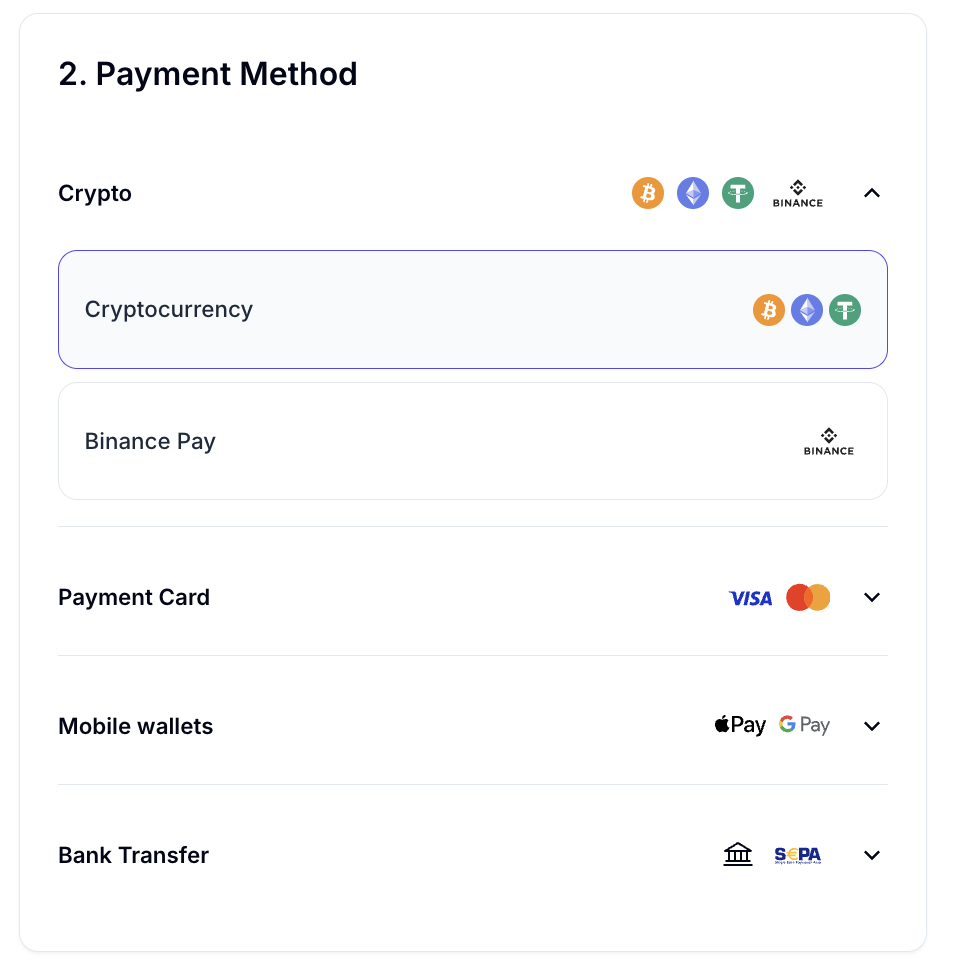
- Select Bitcoin as Your Payment Method: At checkout, choose Bitcoin (BTC) as your payment method. CoinGate will generate a unique Bitcoin address and the exact amount of BTC you need to send.
- Send the Bitcoin Payment: Use your Bitcoin wallet to send the required amount to the provided address. Double-check the address and amount to avoid errors.
- Receive Your Gift Card: Once the transaction is confirmed on the Bitcoin network, CoinGate will process your order and deliver the gift card code to your email.
What Else Can You Buy with Bitcoin?
- Buy a VPN with Bitcoin
- Buy VPS and Hosting with Bitcoin
- Buy Proxies with Bitcoin
- Buy AI Website Building Tools with Bitcoin
- Buy Hardware Wallets with Bitcoin
- Buy eSIMs with Bitcoin
Frequently Asked Questions about Bitcoin (BTC)
How does paying through Bitcoin work?
Paying with Bitcoin works by transferring Bitcoin from your digital wallet to the recipient’s wallet using their unique Bitcoin address. You scan a QR code or manually enter the address, specify the amount, and confirm the transaction, which is then verified and recorded on the blockchain.
What types of gift cards can I buy with Bitcoin?
You can buy a wide variety of gift cards with Bitcoin via CoinGate Gift Cards, including those for popular retailers like Target, Walmart, and Starbucks, as well as gaming platforms like Steam, PlayStation, and Xbox. Many online platforms and cryptocurrency exchanges offer gift cards for dining, travel, and entertainment services, making Bitcoin a versatile payment option.
Is paying with Bitcoin safe?
Paying with Bitcoin is generally safe due to its blockchain technology, which ensures transparency and security. However, risks include price volatility, potential for human error in sending payments, and susceptibility to scams or hacking if proper security measures aren’t followed.
How Long Does It Take to Receive a Gift Card After Paying with Bitcoin?
It depends on which method you use:
On-chain Bitcoin – one confirmation takes about 10 minutes on average, though it can be faster or slower depending on network congestion and the fee you set. Most platforms release the gift card after one confirmation, so expect a 10 to 30 minute wait in most cases.
Lightning Network – payment settles in seconds. The gift card is typically delivered within a minute of sending.
If speed matters, Lightning is significantly faster than on-chain BTC for gift card purchases.
What Is the Lightning Network and Should I Use It?
The Lightning Network is a second layer built on top of Bitcoin that enables near-instant transactions with fees that are fractions of a cent – essentially free for practical purposes. It uses Bitcoin as its underlying currency, so you’re still paying with BTC.
For gift card purchases, Lightning is the better experience in almost every way compared to on-chain Bitcoin:
- Payment confirms in seconds rather than 10+ minutes
- Fees are negligible regardless of network congestion
- No need to worry about setting the right fee rate
When to use Lightning: For gift cards under $100, or any time you want a fast, cheap Bitcoin payment.
When to use on-chain: For larger amounts where on-chain fees are proportionally small, or when a platform doesn’t support Lightning.
Platforms that support Lightning for gift cards include Bitrefill and Coingate. You’ll need a Lightning-enabled wallet such as Phoenix, Muun, Breez, or Wallet of Satoshi.
Written by:
Viktorija Dvariskyte
Related Articles