


Accept crypto with CoinGate
Accept crypto with confidence using everything you need in one platform.
How to Switch Crypto Payment Providers Without Downtime
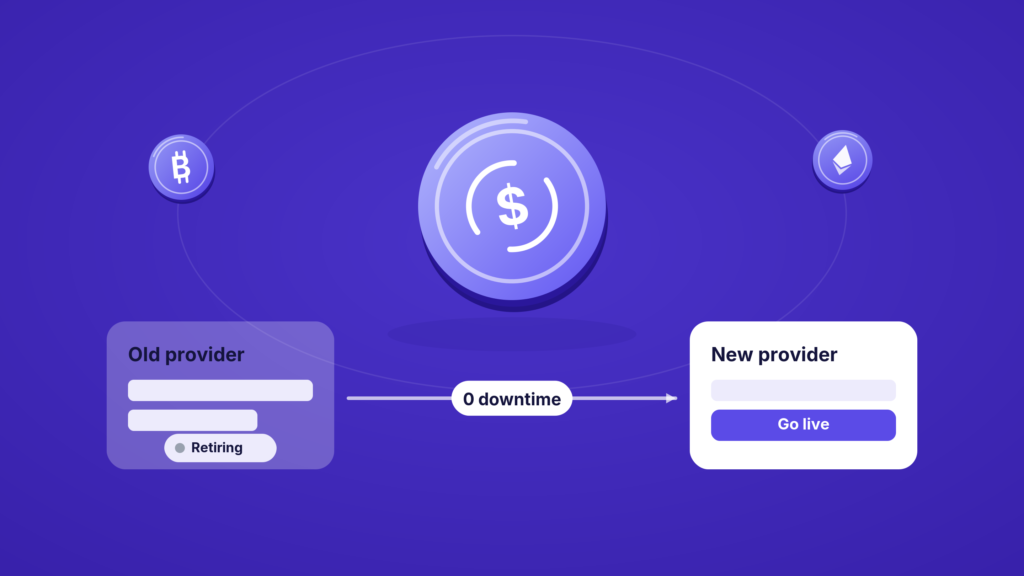
Switching a payment provider feels risky in a way that switching most software does not. Payments are the part of your business you cannot afford to have go dark, even for an afternoon. So a lot of businesses stay on a provider that no longer fits, simply because the move feels dangerous.
It does not have to be. A provider migration is a sequence of small, ordered steps, and if you run them in the right order, customers never notice. This is the practical version, written for the person who actually has to do it.
Ready to switch providers right now? Pick CoinGate.
First, is switching the right call?
Before the how, a quick gut check on the why. The reasons businesses outgrow a crypto payment provider tend to cluster:
- Cost. The fee made sense at low volume and stopped making sense as you grew.
- A missing capability. You need fiat settlement, mass payouts, recurring billing, or a coin the provider does not support.
- A regulatory gap. Your provider operates without the license your market now expects, which is a growing issue in the EU. We covered why in why EU-licensed crypto payment providers are becoming a market requirement.
- A provider change forced on you. Sometimes the decision is not yours. A provider sunsets a product or exits your region, and you have to move.
If one of those is true, the cost of staying is usually higher than the cost of moving. Our B2B buyer’s checklist and the CFO’s guide to evaluating a provider are built for exactly this comparison.
The migration, in order
The whole point is to run the new provider alongside the old one until you are confident, then switch traffic over. Never rip one out before the other is proven.
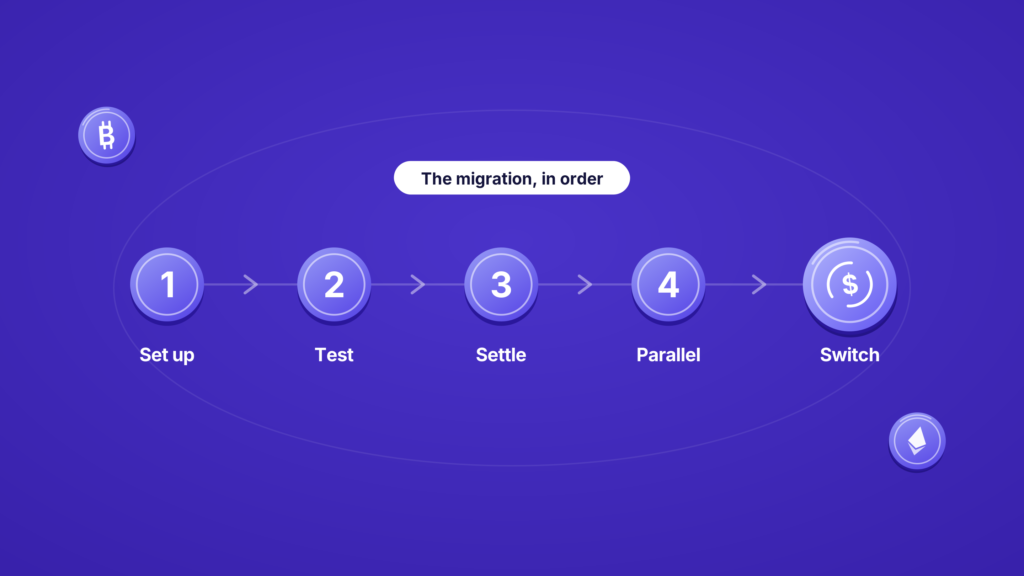
1. Set up and verify the new account first. Register, complete verification, and get your business approved before you touch anything customer-facing. With most providers, including us, verification is the step with a lead time, so start here.
2. Integrate in a test environment. Connect the new provider in sandbox, not production. If you use a platform plugin, install it. If you are on the API, wire it against test credentials. Confirm the full flow works: order created, payment detected, callback received, order marked paid.
3. Match your settlement and payout settings. Recreate how you want money to land. Decide your settlement currency, whether you convert to fiat or hold crypto, and where withdrawals go. Do not assume the defaults match your old setup.
4. Run both in parallel. This is the step that removes the risk. Keep the old provider live while you route a small share of real traffic through the new one. Watch real payments confirm and settle. Reconcile them against your books.
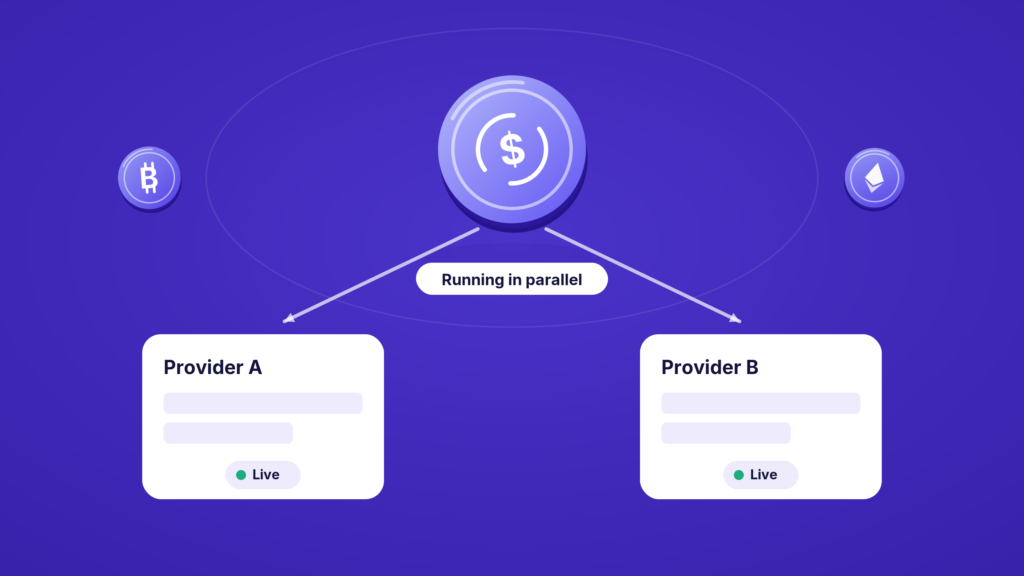
5. Switch over, then decommission. Once the new provider is handling live payments cleanly, move the rest of your traffic across. Only then turn off the old integration. Keep its account open long enough to handle any trailing refunds or reconciliation.
The details that trip people up
A few things that are easy to miss and annoying to fix later.
Refunds on in-flight orders. Payments taken on the old provider may still need refunding after you switch. Keep that account reachable until those are settled. If you are new to how crypto refunds work, they are simpler than they sound, and we explained them separately.
Callback and webhook endpoints. If you built against the old provider’s callbacks, the new one will have its own shape. Map the statuses before you go live, not during.
Plugins versus API. If you run on WooCommerce, PrestaShop, or similar, check whether an official plugin exists for the new provider before planning a custom build. It often turns a migration into a configuration job.
Pricing reality check. Confirm the real, all-in cost on the new provider, including settlement and payout fees, against your actual volume. Our pricing page lays ours out plainly so you can compare like for like.
Switching crypto payment providers feels risky only when you treat it as a single flip. Treated as a sequence, set up and verify the new provider, integrate in test, match your settings, run both in parallel, then switch and decommission, it becomes routine. The customer sees nothing. You just end up on a provider that fits.
Thinking it’s time to move to a provider that actually fits how you operate now? Start with us.
FAQ
Will switching providers cause downtime?
Not if you run both in parallel. Set up and prove the new provider with real traffic before turning off the old one, and customers never experience a gap.
How long does it take to switch?
The variable is account verification on the new provider, which has a lead time. The technical integration itself is fast, especially if a platform plugin exists. Start verification early.
What happens to refunds on payments taken with my old provider?
Keep the old account open until those orders are past their refund window. Refunds are issued from the provider that took the original payment.
Do I need a developer to switch?
If you use a supported e-commerce plugin, often not. If you integrated through the API, you will need to remap the integration and callbacks, but the flow is straightforward.
Accept crypto with CoinGate
Accept crypto with confidence using everything you need in one platform.