


Buy crypto with Apple Pay
Purchase Bitcoin (BTC), Ethereum (ETH), USDT, USDC and other cryptocurrencies using Apple Pay. Authorize with Face ID or Touch ID and you are done.
How to buy crypto with Apple Pay
Four steps. Confirm with Face ID, Touch ID, or your passcode.
Choose your crypto
Pick from over 130 supported coins including Bitcoin, Ethereum, Solana, and more.
Enter the amount
Set how much you want to spend in EUR, USD, GBP, or another supported fiat currency.
Tap Apple Pay at checkout
Confirm with Face ID, Touch ID, or your passcode. No card details to type.
Receive your crypto
Coins are delivered to your wallet address once payment confirms. Most purchases complete within minutes.
Why use Apple Pay to buy crypto?

Instant authorization
Face ID or Touch ID confirms your purchase in seconds. No card numbers to enter, no forms to fill.
Supported cryptocurrencies
Buy any of these coins with a bank transfer. 130+ cryptocurrencies available in total.
-
 Aave
Aave
-
Algorand
-
Aptos
-
Avalanche
-
Bitcoin
-
BNB
-
 BONK
BONK
-
Cardano
-
Chainlink
-
Chiliz
-
Cosmos
-
 Cronos
-
Dai
-
Decentraland
-
Dogecoin
-
EOS
-
Ethereum
-
Ethereum Classic
-
 Flow
Flow
-
Hedera
-
 Hyperliquid
-
 ImmutableX
-
 Injective
-
Internet Computer
-
IOTA
-
Litecoin
-
 MultiversX
-
NEAR Protocol
-
Polkadot
-
Polygon
-
 Sei
Sei
-
Shiba Inu
-
Solana
-
Stacks
-
Stellar
-
Tezos
-
Toncoin
-
TRON
-
Uniswap
-
USD Coin
-
VeChain
-
XRP


Fees and limits
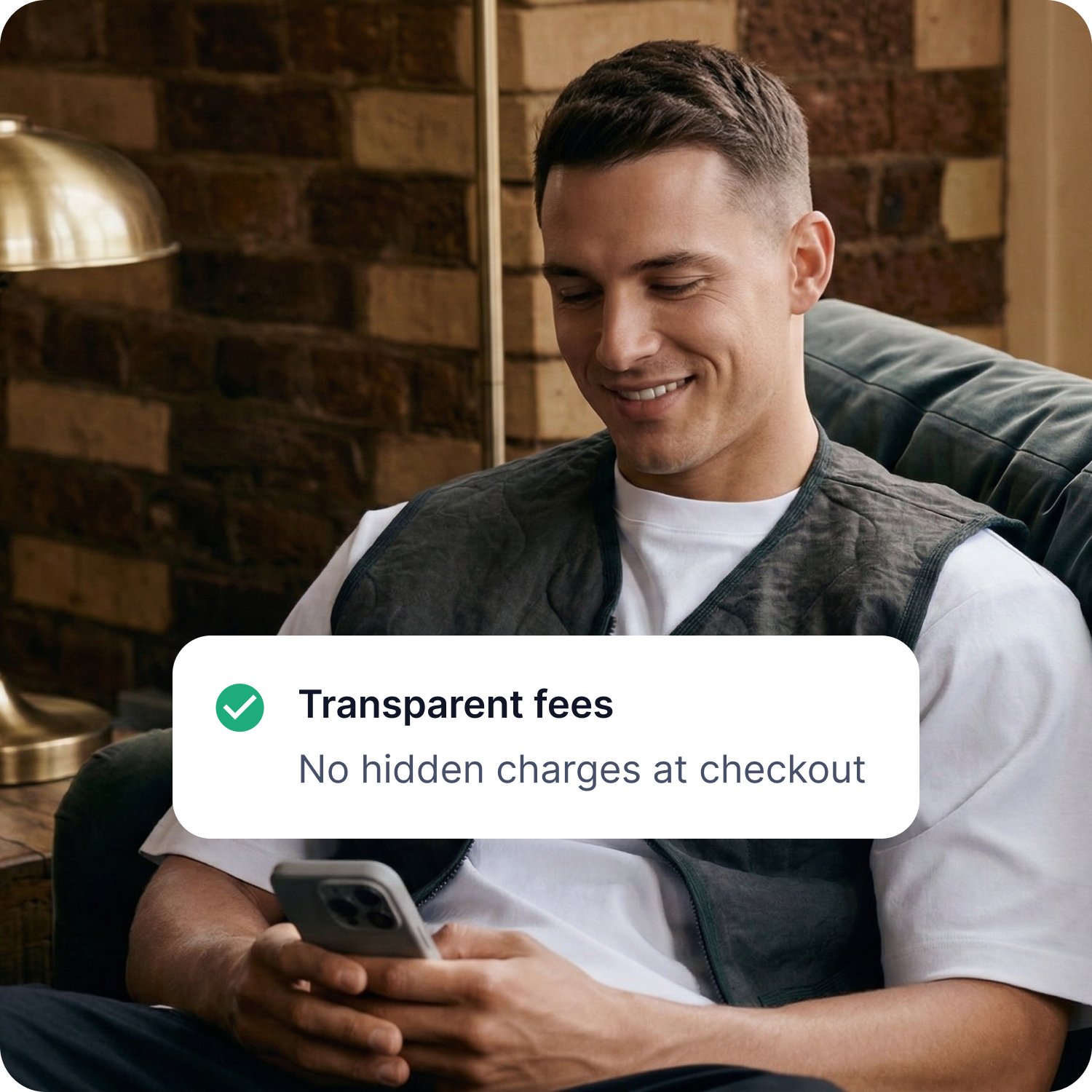
Processing fees and minimum purchase amounts are displayed at checkout before you confirm. No hidden charges. The total shown on the confirmation screen is what you pay.
Exact fees and limits depend on your location and the payment provider processing the transaction.
Other ways to buy crypto on CoinGate
Buy crypto with Google Pay
Have a question about buying crypto with Apple Pay?
Frequently asked questions
Can I buy Bitcoin with a Apple Pay?
Yes. Select Bitcoin on CoinGate, choose Apple Pay at checkout, and confirm with Face ID, Touch ID, or your passcode. Your purchase is processed within minutes.
Is buying crypto with Apple Pay secure?
Apple Pay uses device-specific tokens and biometric authentication (Face ID or Touch ID). Your actual card number is never stored on your device or shared with merchants.
What fees apply when buying crypto with Apple Pay?
Processing fees are displayed at checkout before you confirm. No hidden charges. The total amount shown is what you pay.
How quickly do I receive my crypto after paying with Apple Pay?
-
Most purchases are processed within minutes. Delivery time depends on the cryptocurrency’s network confirmation speed and the payment provider.
Do I need identity verification to use Apple Pay for crypto?
Verification requirements depend on your location and purchase amount. The payment provider may ask for a government-issued ID to comply with regulatory requirements.
Can I use Apple Pay on CoinGate from any device?
Apple Pay works on iPhone, iPad, Mac, and Apple Watch. You can make crypto purchases from any Apple device where Apple Pay is set up.