


Accept crypto with CoinGate
Accept crypto with confidence using everything you need in one platform.
Sent the Wrong Coin to a Crypto Invoice? Here Is How to Get It Back
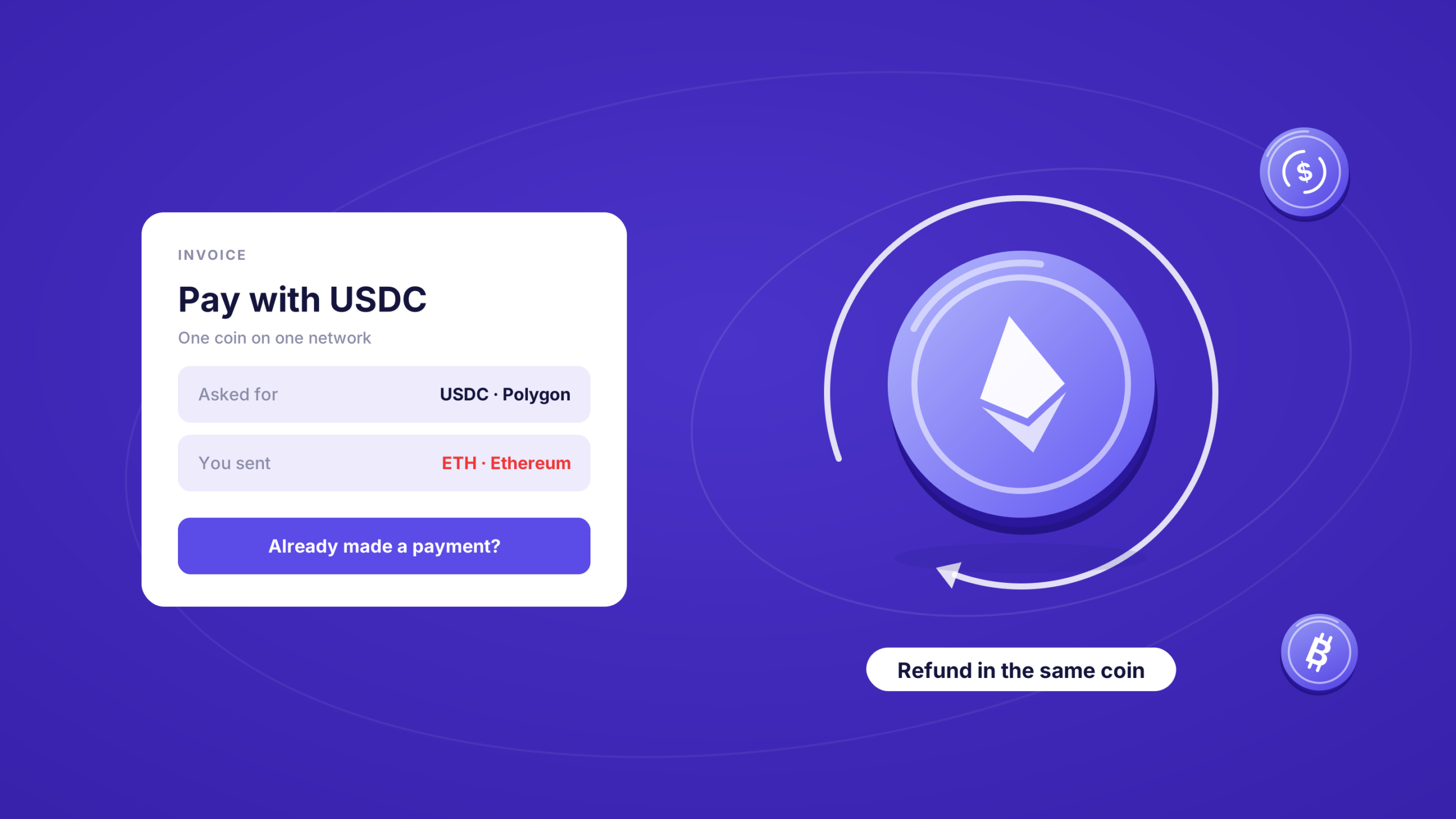
You opened the invoice, copied the address and sent the payment. Then you noticed the invoice asked for USDC, and you sent ETH. Or you sent the right coin on a different network from the one you picked.
The invoice did not move, and the money has left your wallet.
In most cases it is not lost. Here is what happens to a payment like that, and how you get it back from the same invoice page, usually without writing to anyone.
Taking crypto payments and tired of wrong-coin tickets? Open a CoinGate account.
What actually happened to your payment
Every CoinGate invoice asks for one coin on one network, and shows you an address for exactly that. When a payment arrives at that address in that coin, we match it to the order and the invoice moves on.
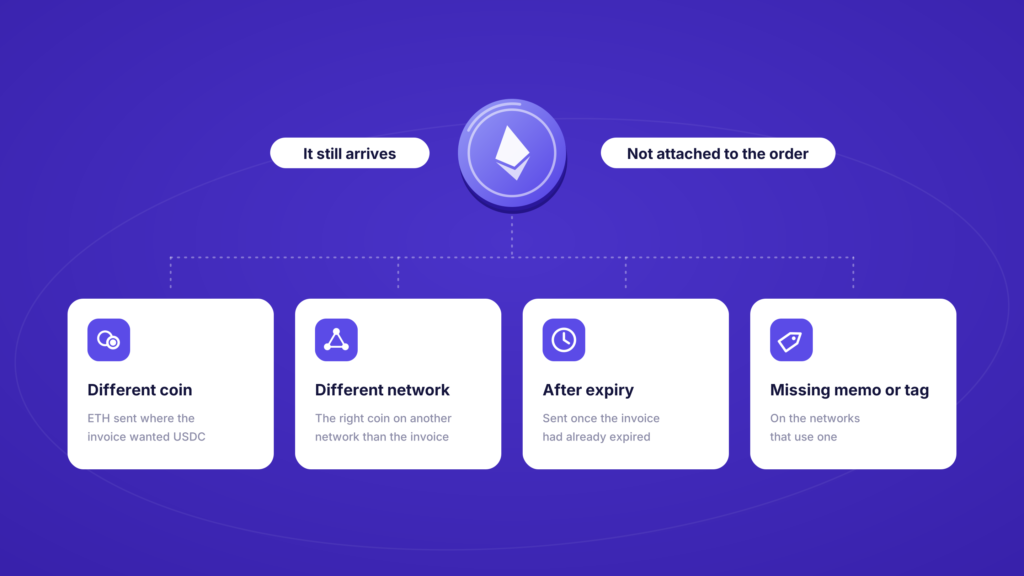
A payment in a different coin, or on a network the order was not set up for, does not match. It still arrives. We can see it on the chain, and unless the amount is tiny, we log it against the address it was sent to. It just is not attached to your order, so the merchant has not been paid and the invoice keeps waiting.
These are unmatched payments, and there are four usual reasons for one:
- A different coin than the invoice asked for, for example ETH sent where the invoice wanted USDC.
- The right coin on a different network from the one on the invoice.
- A payment sent after the invoice expired, to an address the order no longer holds.
- A missing memo or destination tag, on the networks that use one.
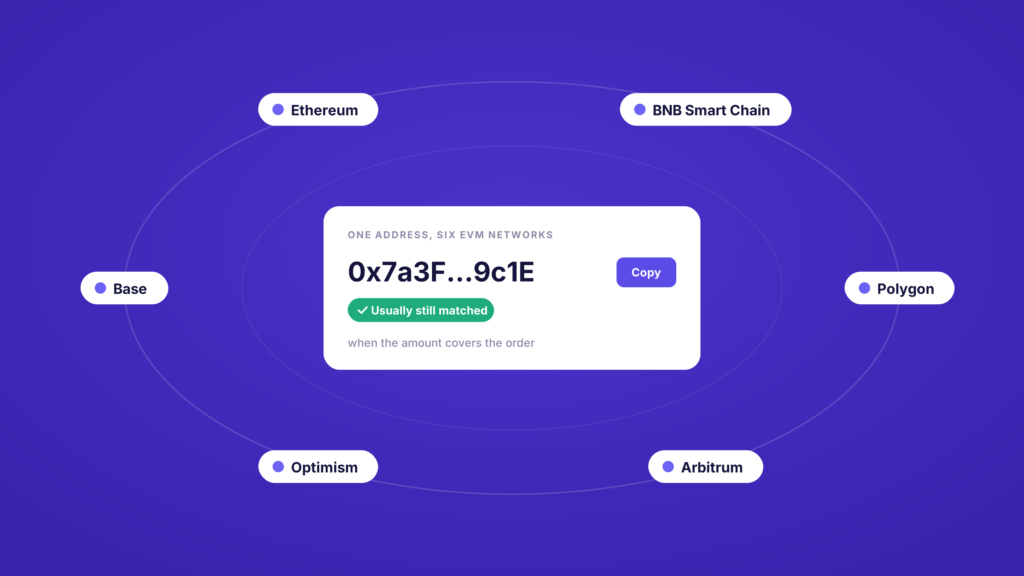
One of these often sorts itself out. Ethereum, BNB Smart Chain, Polygon, Arbitrum, Optimism and Base all use the same address format, so an address on one of them is the same address on the others. If you pay the right address on the wrong one of those networks and the amount covers the order, we can usually still match it to your order.
How to get it back from the invoice
Since late September 2026 the invoice handles the rest itself. You need the invoice link and the transaction hash of your payment.
- Open the invoice you paid. Use the same link you paid from, or ask the merchant for it again.
- Find the section that asks if you have already made a payment. It appears when we could not attach your payment to the order automatically.
- Enter your transaction hash. It is the ID of your transfer, sometimes called TXID, and your wallet or exchange shows it in the transaction details. Here is what a transaction hash is if you have not needed one before.
- Fill in the refund form. If the hash matches a payment we received, you get a short form asking for the address to send it back to and your email. The coin and the network are fixed to what you sent, so the refund goes back in the same coin, on the same network.
- Follow the status on the invoice. From then on the refund status shows on the same page.
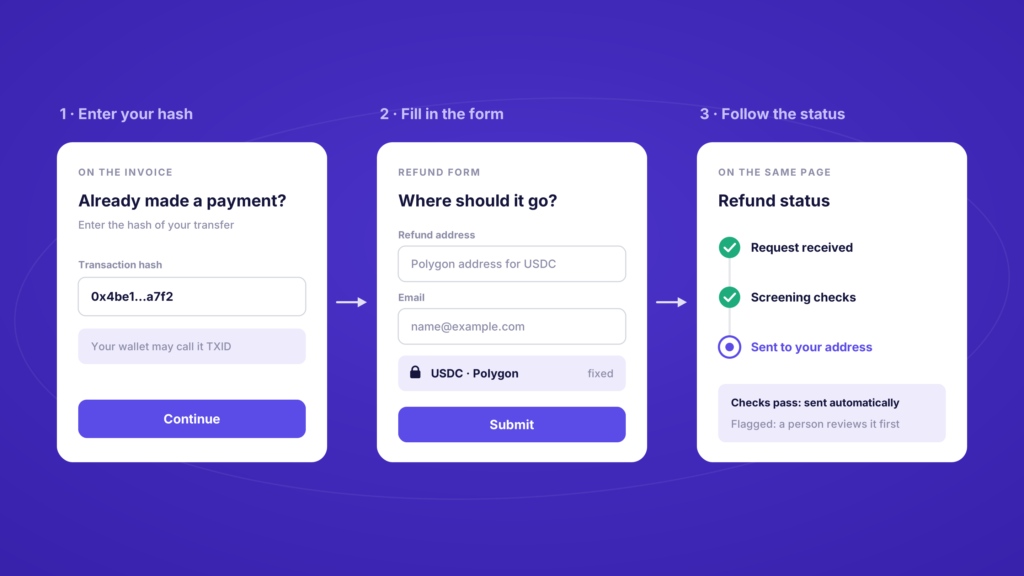
Give an address that accepts that coin on that network. If you sent USDC on Polygon, the refund address has to be a Polygon address that can hold USDC. Plenty of exchanges accept a coin on some networks and not others, so check the deposit page before you paste anything.
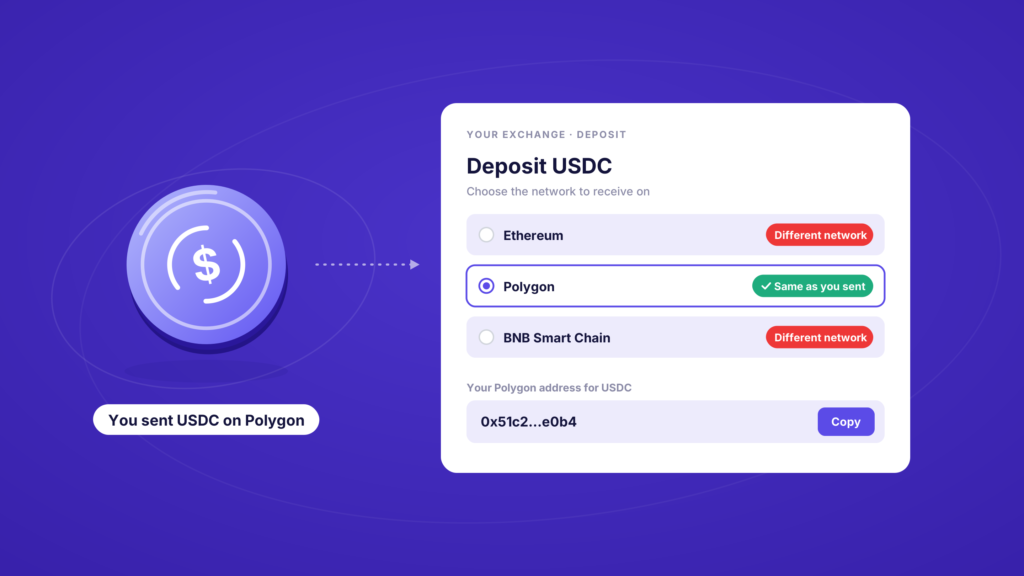
Behind the form, every refund goes through compliance screening. If the checks pass, it is sent automatically. If something needs a closer look, a person reviews it first, which takes longer.
If the invoice cannot find it
The invoice can only find a payment we were able to tie to your order, which covers almost every payment in the wrong coin. A payment sent without its memo or tag, or long after the invoice expired, usually is not tied to any order, so the invoice will not find it.
If the hash does not match, or you are not sure what went wrong, open the chat on the invoice. It looks up your transaction and tells you what happened to it: paid, short, over, in a different coin, or not received at all.
If the case needs a person, the chat collects everything a refund needs and passes it to our support team in one go, so nobody asks you for the same hash three times.
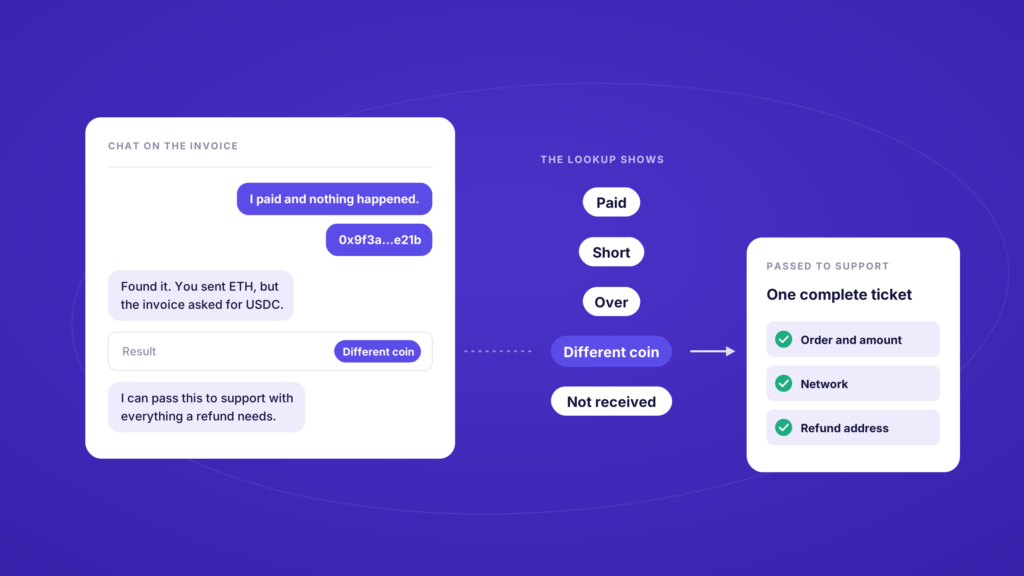
A payment that has not reached us will not show up anywhere. Check that your wallet or exchange actually sent it, and that it went to the address on the invoice. A payment sent to a different address altogether never reached us, and nobody on our side can pull it back.
Two related problems have their own routes. A payment in the right coin but for the wrong amount is covered in what happens when a crypto payment arrives for the wrong amount, and a payment that arrived after the timer ran out is covered in why crypto checkouts do not convert.
For merchants: what your support team no longer has to do
If you sell with CoinGate, wrong-coin payments used to start with an email that says “I paid and nothing happened”, and end in several rounds with our support team over the hash, the network and a refund address.
Now the fastest answer is the invoice link. Send the customer back to it and the invoice does the rest.
The payment never reached your balance, so the refund does not come out of it either. If the customer still wants the order, the simplest route is a fresh order in the right coin.
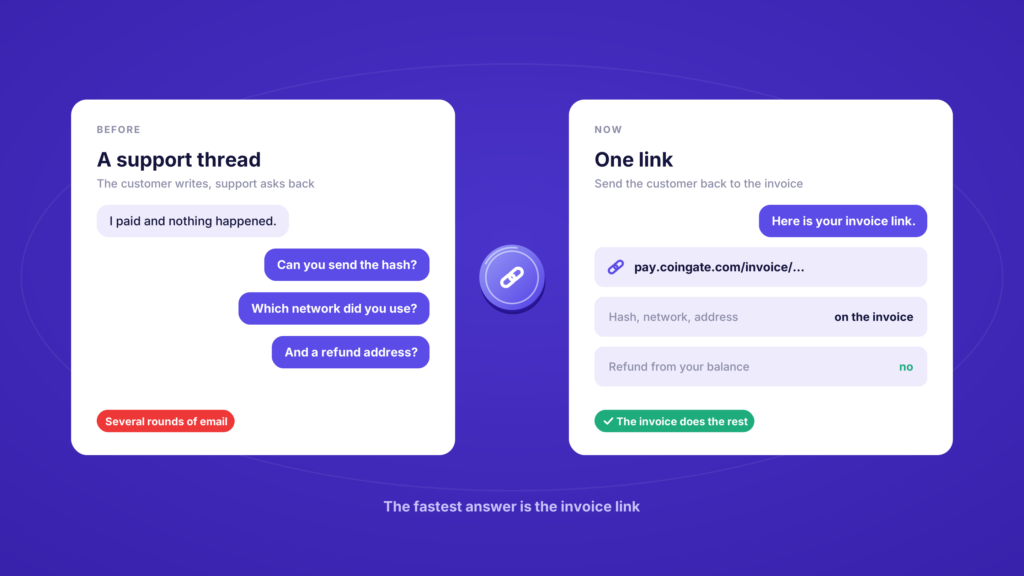
And one line on your checkout page telling customers to match the coin and the network to the invoice heads off a lot of these in the first place. We collected a few more of those in how to make crypto payments easy to find on your site.
Four habits that stop it happening
- Pick the coin you actually hold, and the network your wallet or exchange will send on.
- Check the withdrawal network on the exchange. Many exchanges pick one for you, and it is not always the one on the invoice.
- Copy the address from the invoice you are paying, never from an old one. An invoice address belongs to that order.
- Keep the transaction hash until the invoice shows the order as paid.
A payment in the wrong coin used to mean an email, a wait and a support ticket. Now it means a hash and a short form on the page you already have open.
Want a checkout that sorts out wrong-coin payments without your support team? Start with us.
Accept crypto with CoinGate
Accept crypto with confidence using everything you need in one platform.